> ## Documentation Index
> Fetch the complete documentation index at: https://help.smile.io/llms.txt
> Use this file to discover all available pages before exploring further.
# Add Smile to Shopify POS
> Allow customers to earn loyalty points and redeem discounts in physical retail locations.
Add the Smile tile in Shopify POS to allow points earning on in-store purchases and spend customers' points on loyalty discounts.
**Important:** Smile requires the latest version of Shopify POS to be installed on your device.
## Add Smile to POS from Shopify Admin
1. From Shopify Admin, click **Point of Sale** > **Settings** > **[Smart grid](https://admin.shopify.com/store/apps/point-of-sale-channel/settings/smart-grid).**
2. Select your location's Smart grid.
3. Click **Customize.**
4. In the sidebar, click **Add tile** > **Embedded apps** > **Smile.io** > **POS Loyalty Program.**
5. Click **Apply.**
6. Click **Save.**
## Add Smile to POS from an in-store device
1. Navigate to the Shopify POS home screen.
2. Press **Add tile** > **App** > **Smile.io** > **POS Loyalty Program.**
3. Press **Add.**
4. Press **Save.**
**Important:** After adding the tile to the POS home page, add ways to earn and spend points.
* [Set up & earn points in store](/en/articles/4036277-set-up-in-store-points-earning)
* [Set up & spend points in store](/en/articles/4036276-set-up-and-spend-points-in-store)
**Note:** Optionally, consider also adding the Smile "App website" tile. This opens Smile Admin and can be used for managing customers, ways to earn, and ways to spend points.
## Loyalty tile explained
Tap the loyalty program tile to open the [loyalty popup](#loyalty-popup-explained), the home of your loyalty program.
A customer and a product must both be added to the cart in order for loyalty points to be earned or spent. The tile's appearance and subtitle helpfully change to inform the retail staff member what action they or the customer need to take in any given scenario.
**Tip:** The loyalty popup explains the subtitle prompt in more detail.
| **Tile display** | **State** | **Action** |
| ------------------------------------------------------------------------------------------------------------------------------------------------------------------------------------------------------------------------------------------------------------------------------------------------------------------------------------------------------------------------------------------------------------------------------------------------------------------------------------------------------------------------------------------------------------------------------------------------------------------------------------------------------------------------------------------------------------------------------------------------------------------------------------------------------------------------------------------------------------------------------------------------------------------------------------------------------------------------------------------------------------------------------------------------------------------------------------------------------------------------------------------------------------------------------------------------------------------------------------------------------------------------------------------------------------------------------------------------------------------------------------------------------------------------------------------------------------------------------------------------------------------------------------------------------------------------------------------------------------------------------------------------------------------------------------------------ | ------------------------------------------------------------------ | ------------------------------------------------------------------------------------------------ |
| 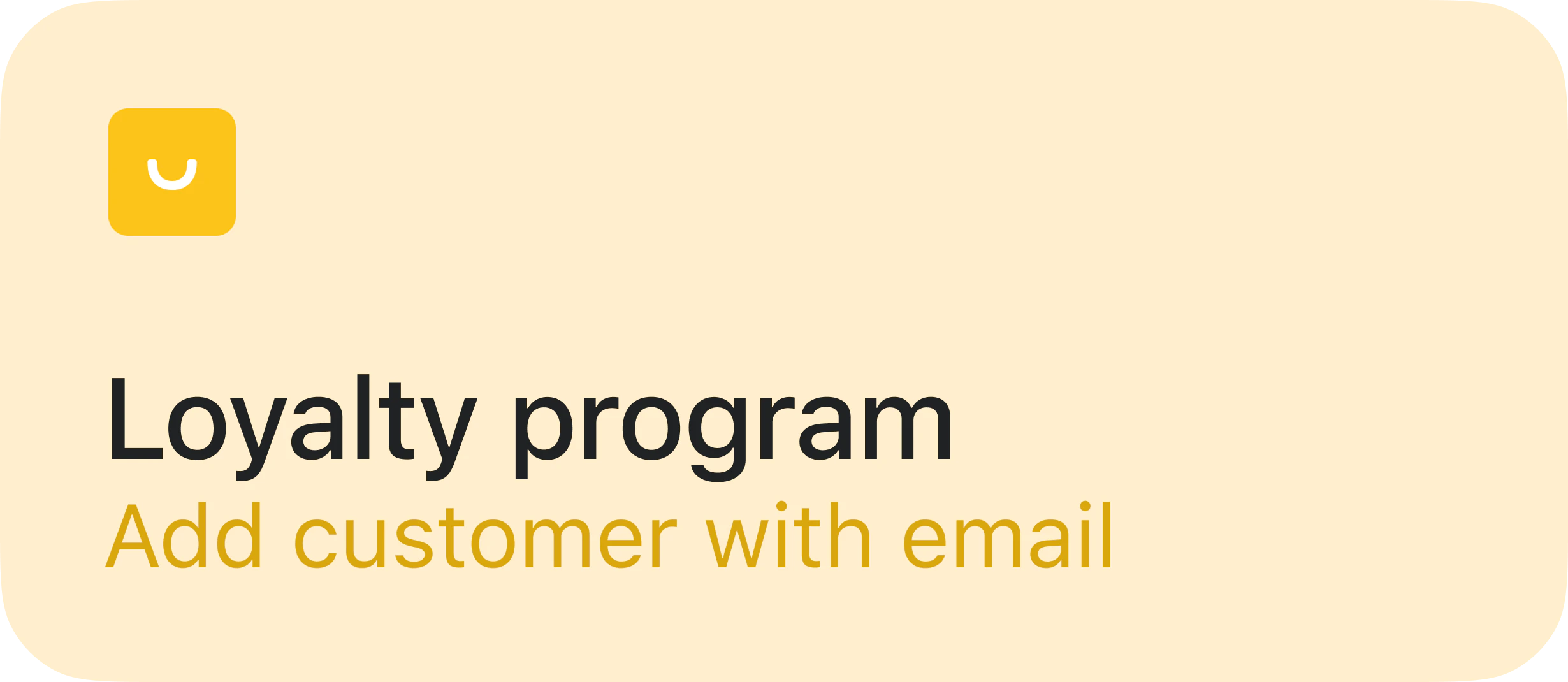 | No customer in cart | Add customer to the cart, ensuring they have an email address, name or phone number. |
|
| No customer in cart | Add customer to the cart, ensuring they have an email address, name or phone number. |
| 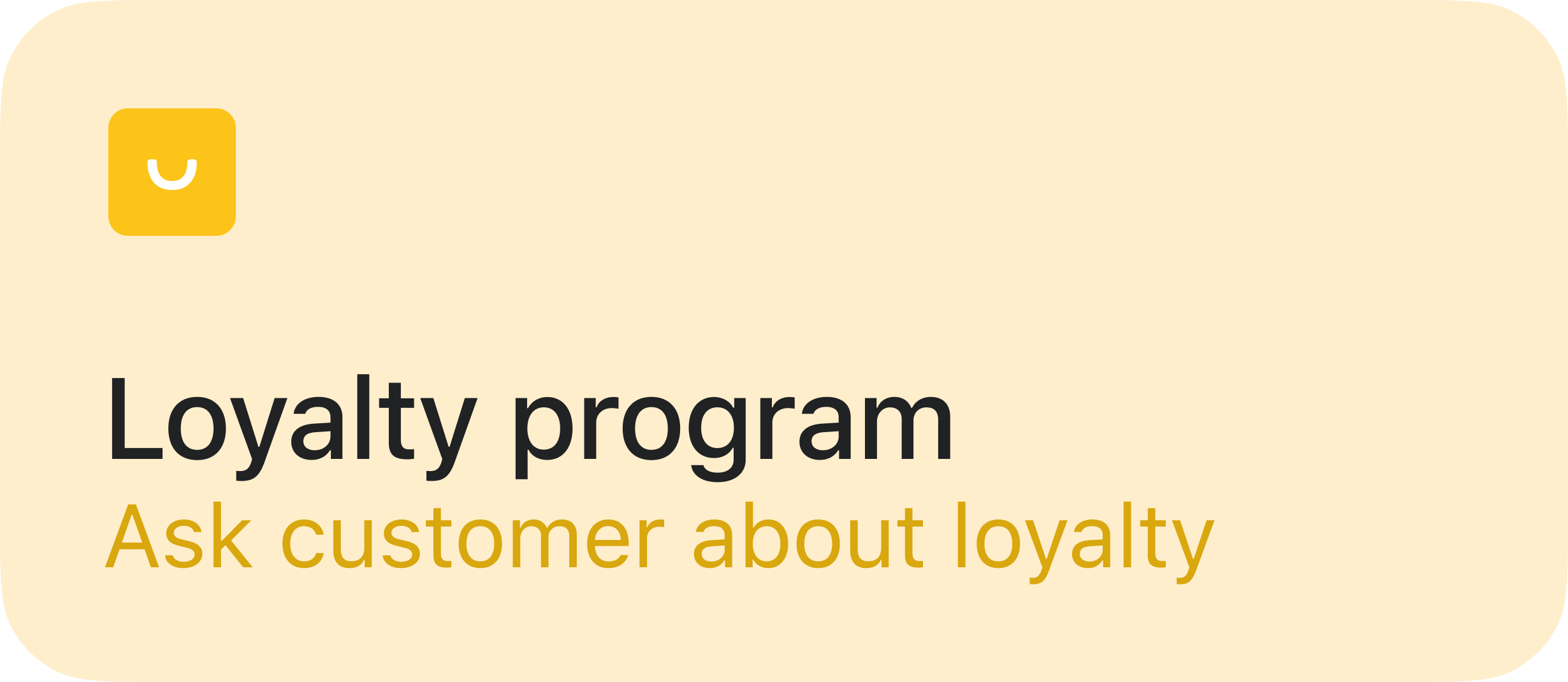 | Customer has never earned loyalty points | Consider asking the customer if they know about the loyalty program |
|
| Customer has never earned loyalty points | Consider asking the customer if they know about the loyalty program |
| 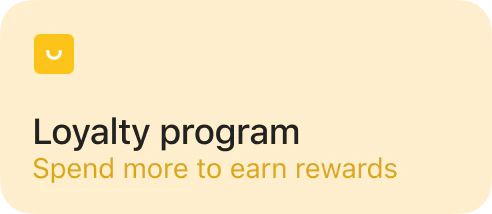 | Customer doesn't have enough points to spend on a loyalty discount | Consider upselling the customer if their points are close to a discount |
|
| Customer doesn't have enough points to spend on a loyalty discount | Consider upselling the customer if their points are close to a discount |
| 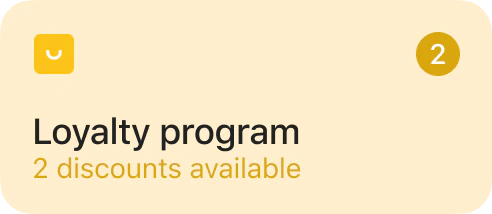 | Customer can afford a loyalty discount | Press the loyalty tile to open the loyalty popup. Apply discounts in the "Loyalty discounts" tab |
|
| Customer can afford a loyalty discount | Press the loyalty tile to open the loyalty popup. Apply discounts in the "Loyalty discounts" tab |
| 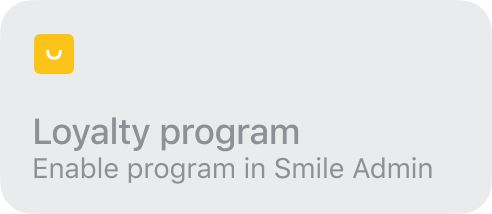 | Loyalty program inactive | Reactivate the loyalty program in Smile Admin |
## Loyalty popup explained
The loyalty popup is the home of your in-store loyalty program. It can be opened by pressing the [loyalty tile](#loyalty-tile-explained).
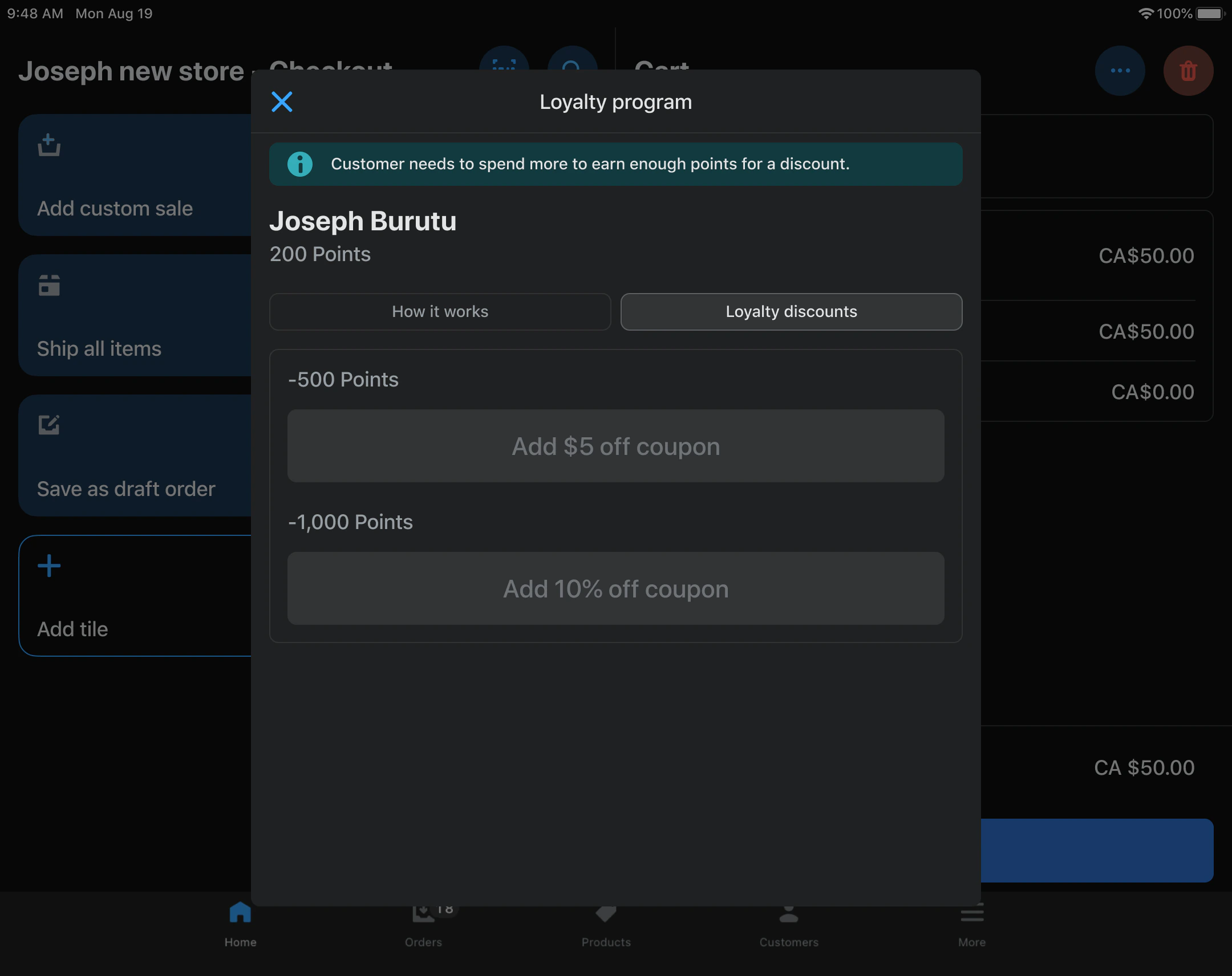
The loyalty popup will always show the customer's name, their points balance, and any prompts to help guide the retail staff member.
| Loyalty program inactive | Reactivate the loyalty program in Smile Admin |
## Loyalty popup explained
The loyalty popup is the home of your in-store loyalty program. It can be opened by pressing the [loyalty tile](#loyalty-tile-explained).
The loyalty popup will always show the customer's name, their points balance, and any prompts to help guide the retail staff member.
 **How it works tab**
The "How it works" tab helps the retail staff member understand how the loyalty program works. Over time this will evolve to include more information from your loyalty program.
**Loyalty discounts** **tab**
The "Loyalty discounts" tab shows all of the possible rewards that a customer can spend their loyalty points on.
**How it works tab**
The "How it works" tab helps the retail staff member understand how the loyalty program works. Over time this will evolve to include more information from your loyalty program.
**Loyalty discounts** **tab**
The "Loyalty discounts" tab shows all of the possible rewards that a customer can spend their loyalty points on.