Note: This app embed only controls Smile UI. It doesn’t affect other on-site features added separately, like the Loyalty landing page, Points on account/product page blocks, or Loyalty Hub. Each of these is set up independently and isn’t controlled by this toggle.
How to know if Smile needs to be added to your theme
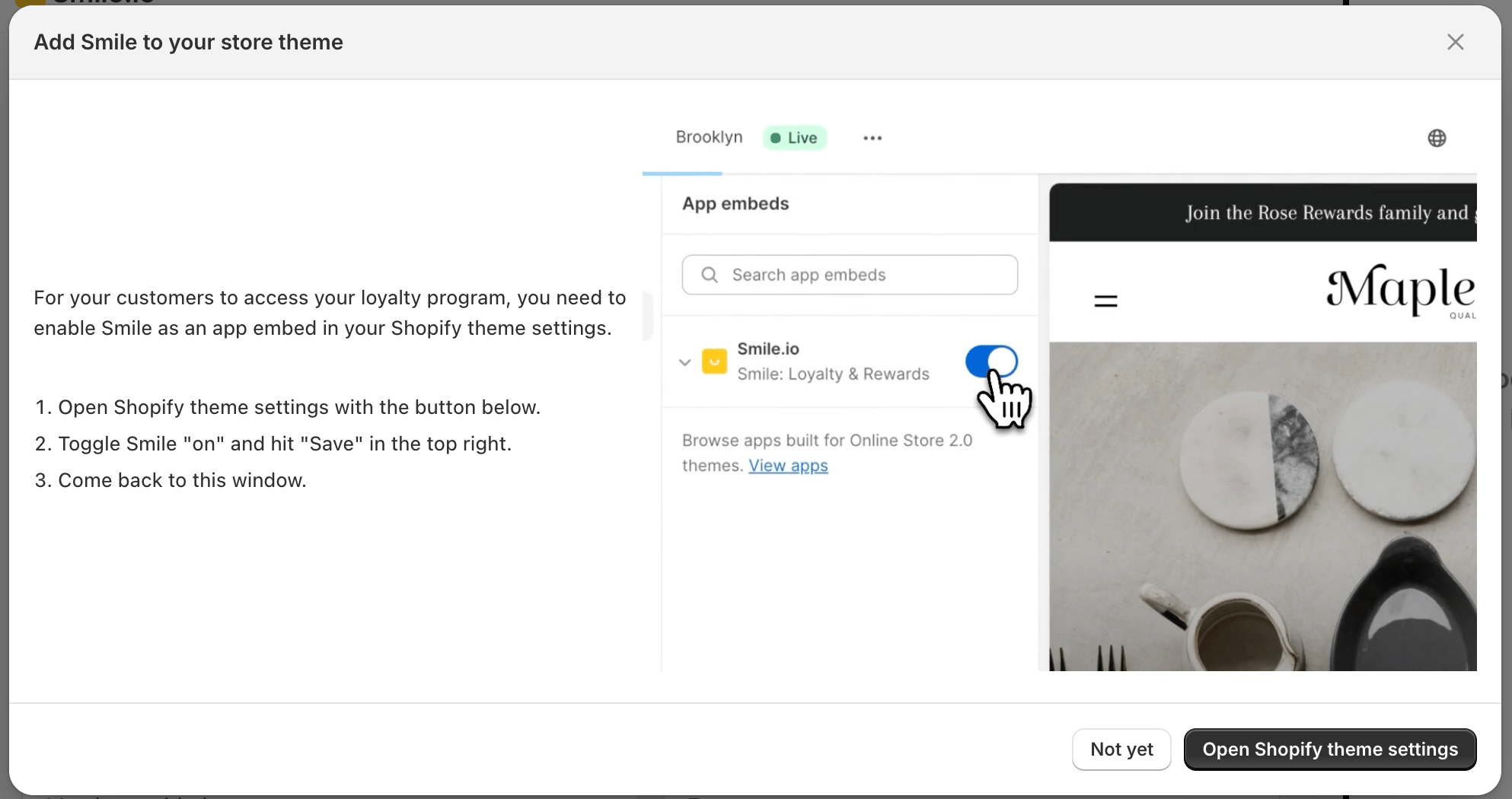
If Smile isn’t added to your Shopify theme, you’ll see a warning banner on your Smile Admin home page that reads Important: Add Smile to your store theme. Click Follow setup instructions to open the setup guide — it will walk you through adding Smile as an app embed in your Shopify theme.
Step 1: Check your Launcher visibility settings
First, confirm the Launcher isn’t hidden. Go to On-site content > Launcher and verify the visibility settings are correct. If you need guidance, see Show or hide the loyalty launcher.Step 2: Re-add Smile to your store theme
If you didn’t see the warning banner, or you need to add Smile to your current Shopify theme manually, you can do so from Platform Settings.- In Smile Admin, navigate to Settings > Platform.
- Find your Shopify account card and click Show more.
- Click Add Smile to your store.
- Click Open Shopify theme settings.
- Under App embeds, ensure Smile.io is toggled on.
- Click Save.