Available customer emails
Smile can automatically send the following customer emails:- Points earned
- Reward redeemed
- Birthday reward
- Points expiry
- Reward expiry
- Referral shared through Smile
- Friend received referral
- Referral completed
- VIP tier achieved
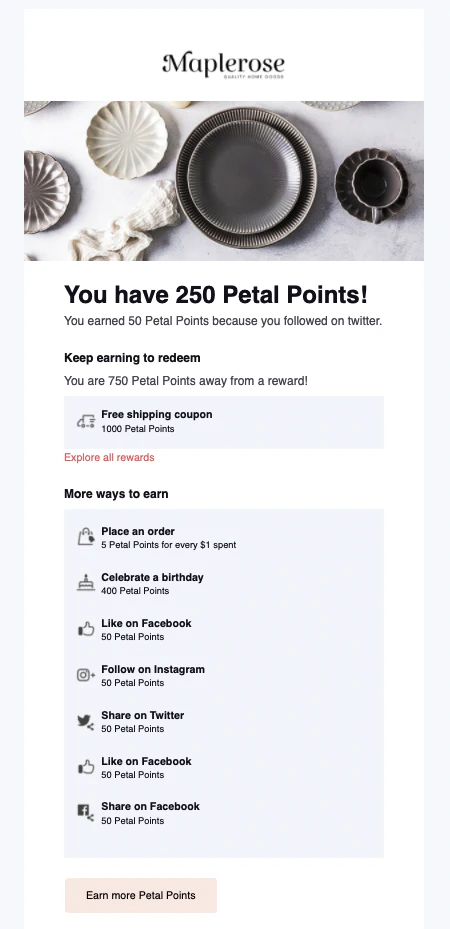
Points earned
Sent when: A customer earns points by completing an eligible earning action, such as making a purchase.Note: Smile does not send Points earned emails when customers:
- earn points through any social media earning rule
- earn points from the Sign up earning rule
{{reward_fulfillment.source_description}}- (reward action completed){{reward_fulfillment.name}}- (reward name)
Reward redeemed
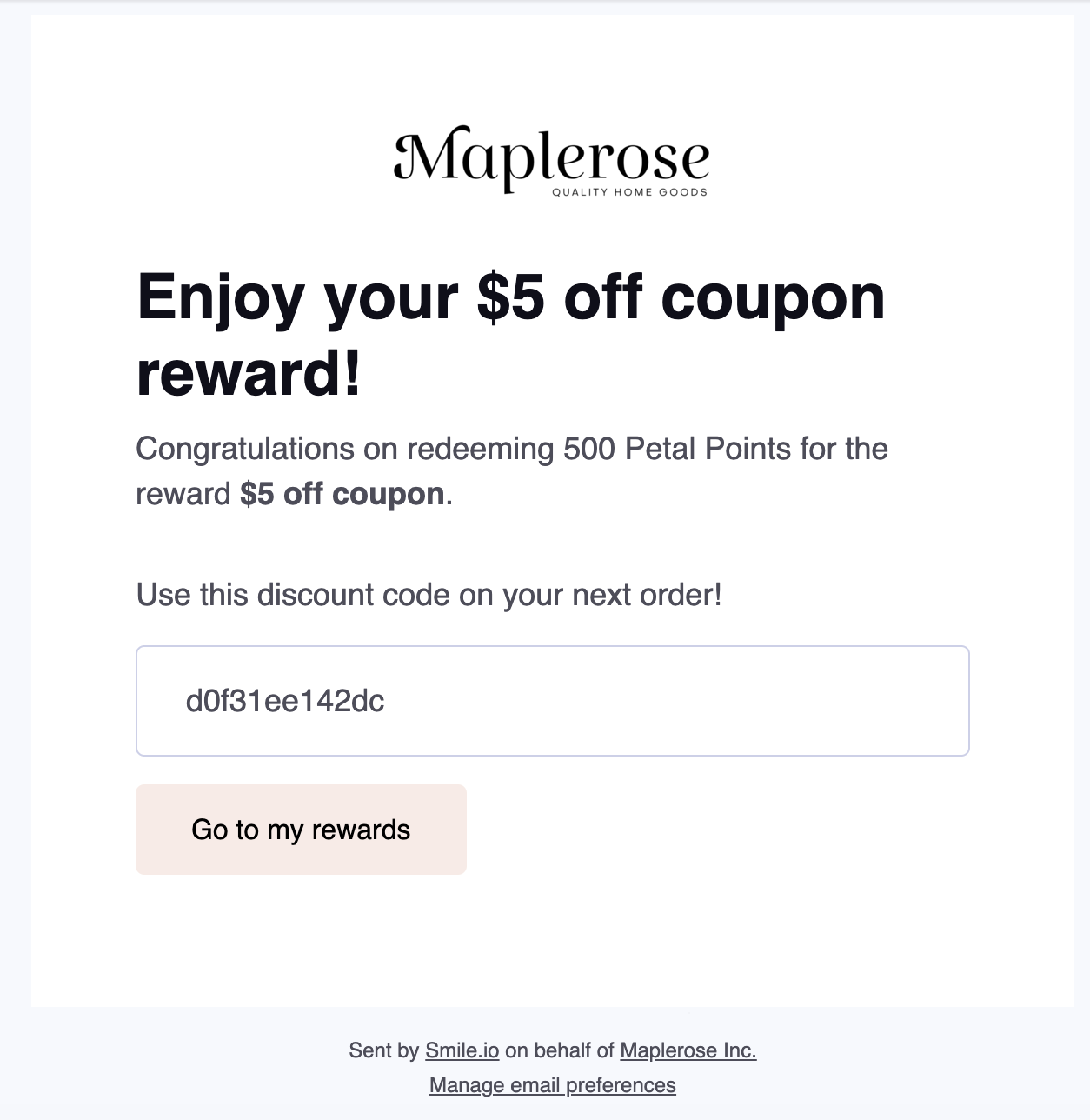
Sent when: A customer redeems a reward using points. Variables required:{{reward_fulfillment.name}}- (reward name){{ points_purchase.points_spent_formatted }}- (redemption amount with currency name)
Birthday reward
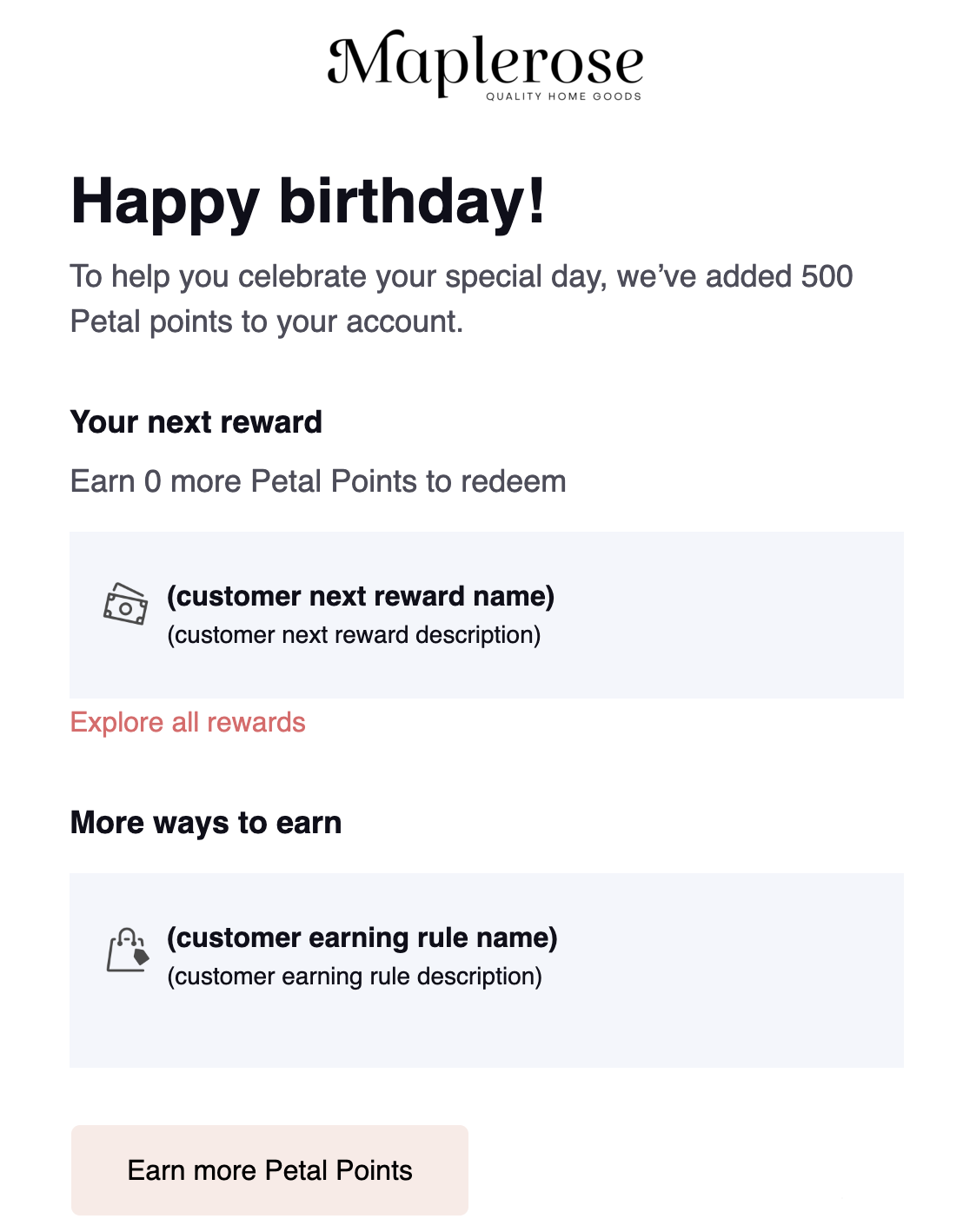
Sent when: A customer’s birthday reward is issued after they’ve provided their birthday and birthday rewards are enabled. Variables required:{{reward_fulfillment.name}}- (reward name)
Points expiry
Plan availability: Points expiry is available on Growth, Plus and Enterprise plans.
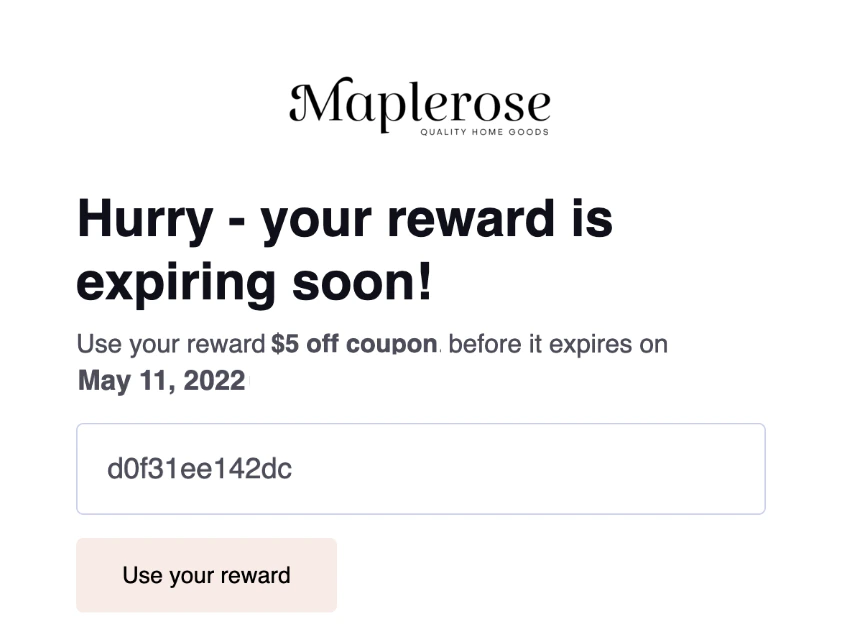
Reward expiry
Feature availability: Reward expiry is available on Growth, Plus, and Enterprise plans.
Referral shared through Smile
Feature availability: The Referral shared through Smile email is available on Essential, Standard, Growth, Plus, and Enterprise plans.
{{friend_reward.name}}- (friend reward)
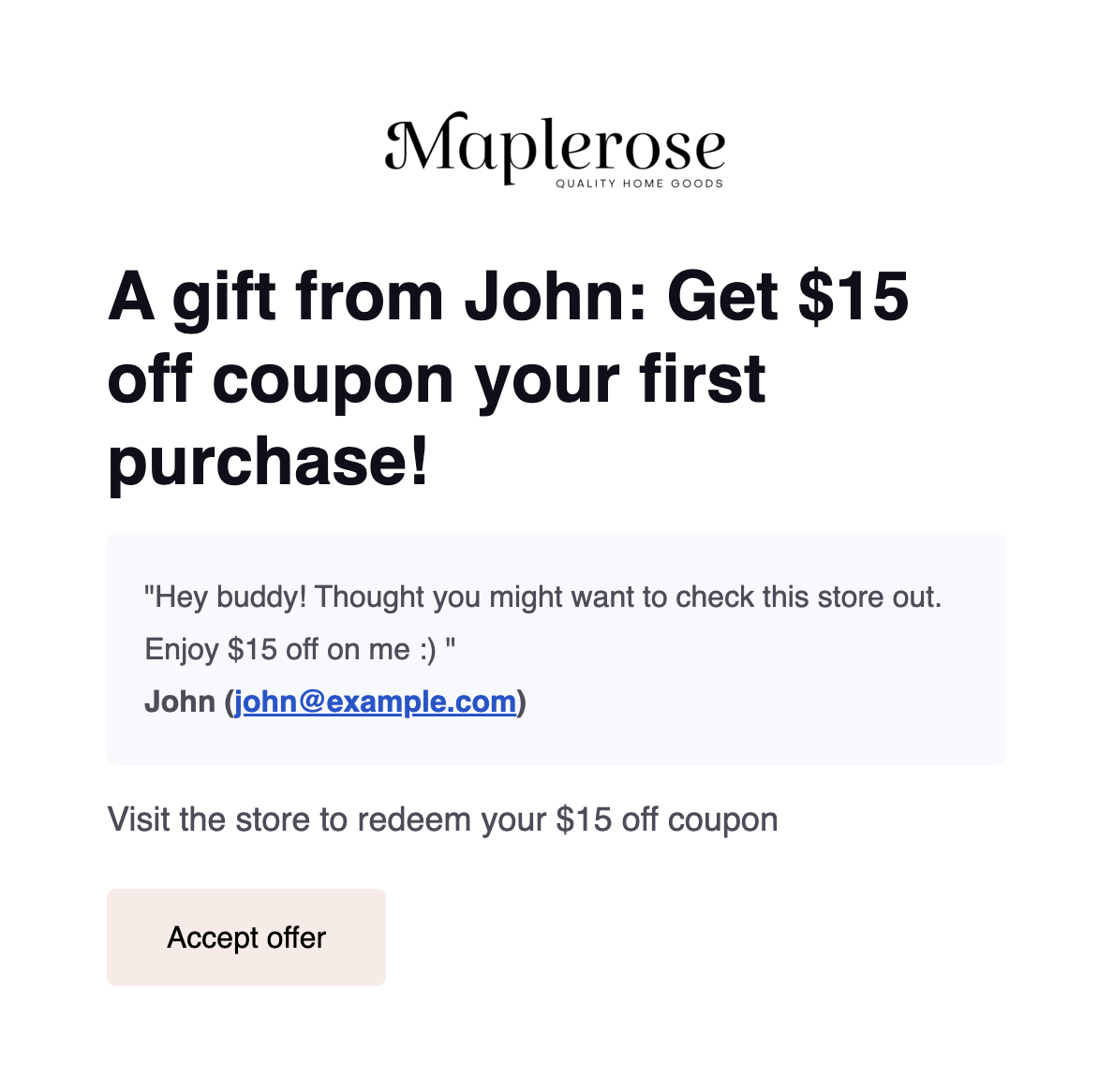
Friend received referral
Sent when: A friend claims a referral reward. Variables required:{{reward_fulfillment.name}}- (reward name)
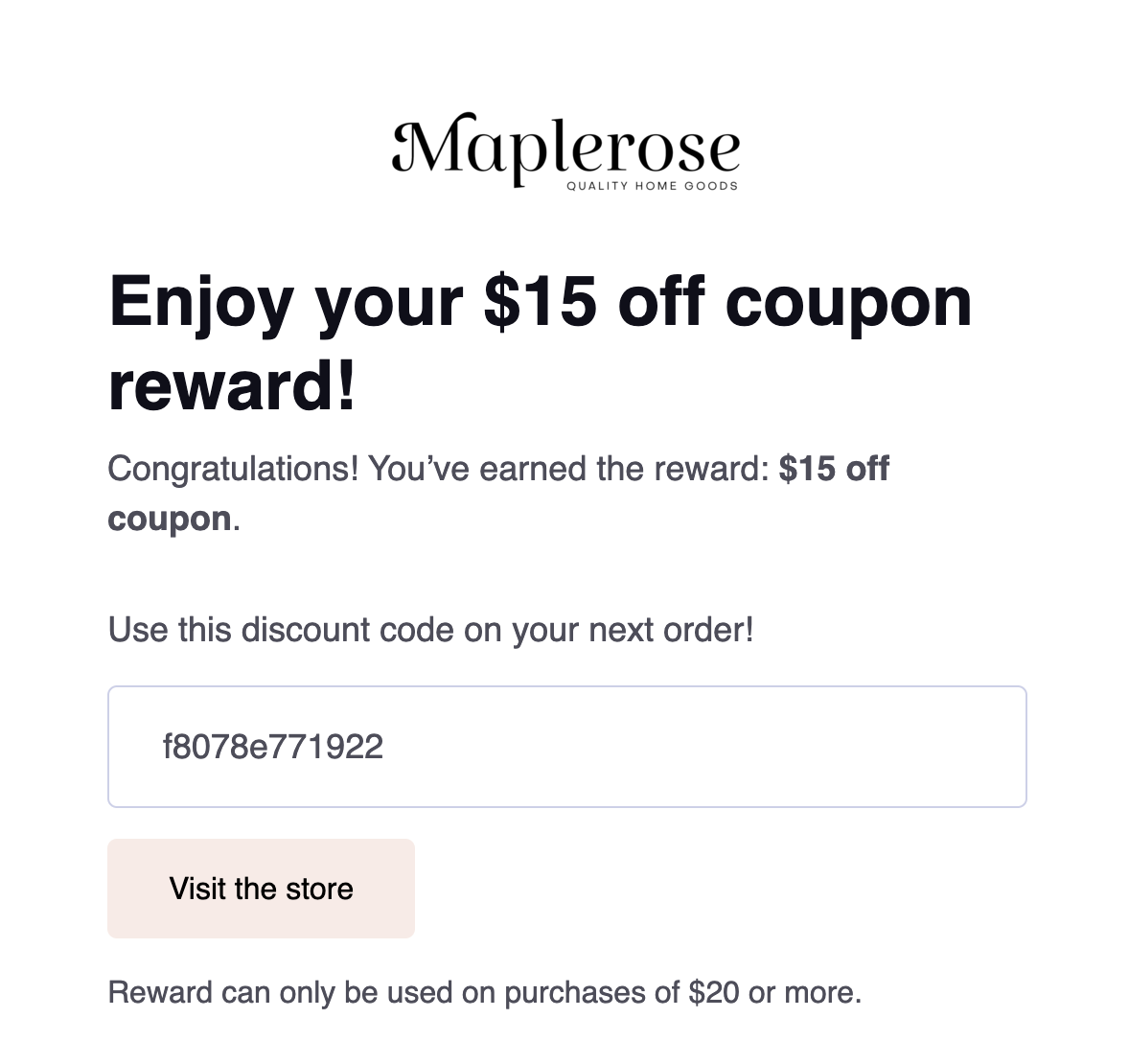
Referral completed
Sent when: A referred friend completes a qualifying purchase and the referring member earns their referral reward. Variables required:{{reward_fulfillment.name}}- (reward name)
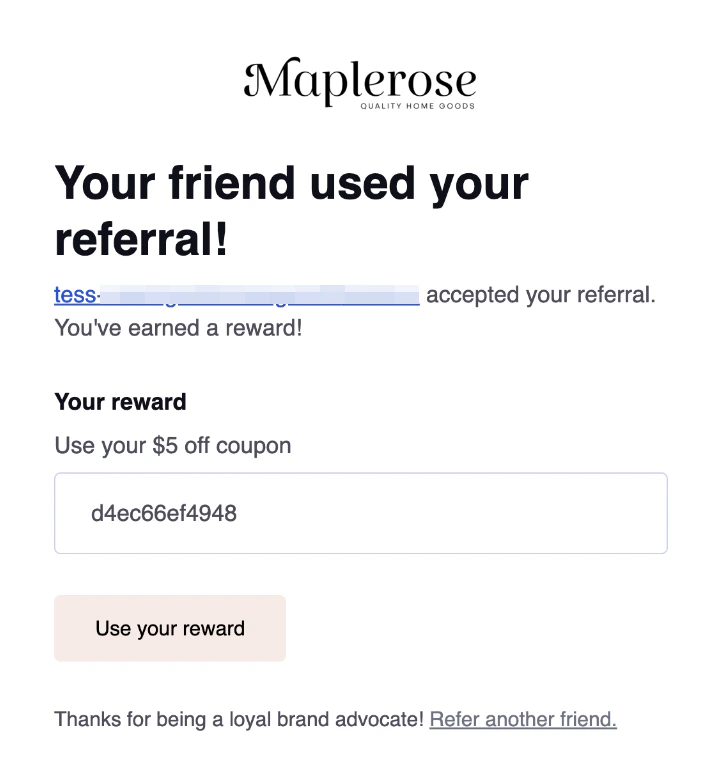
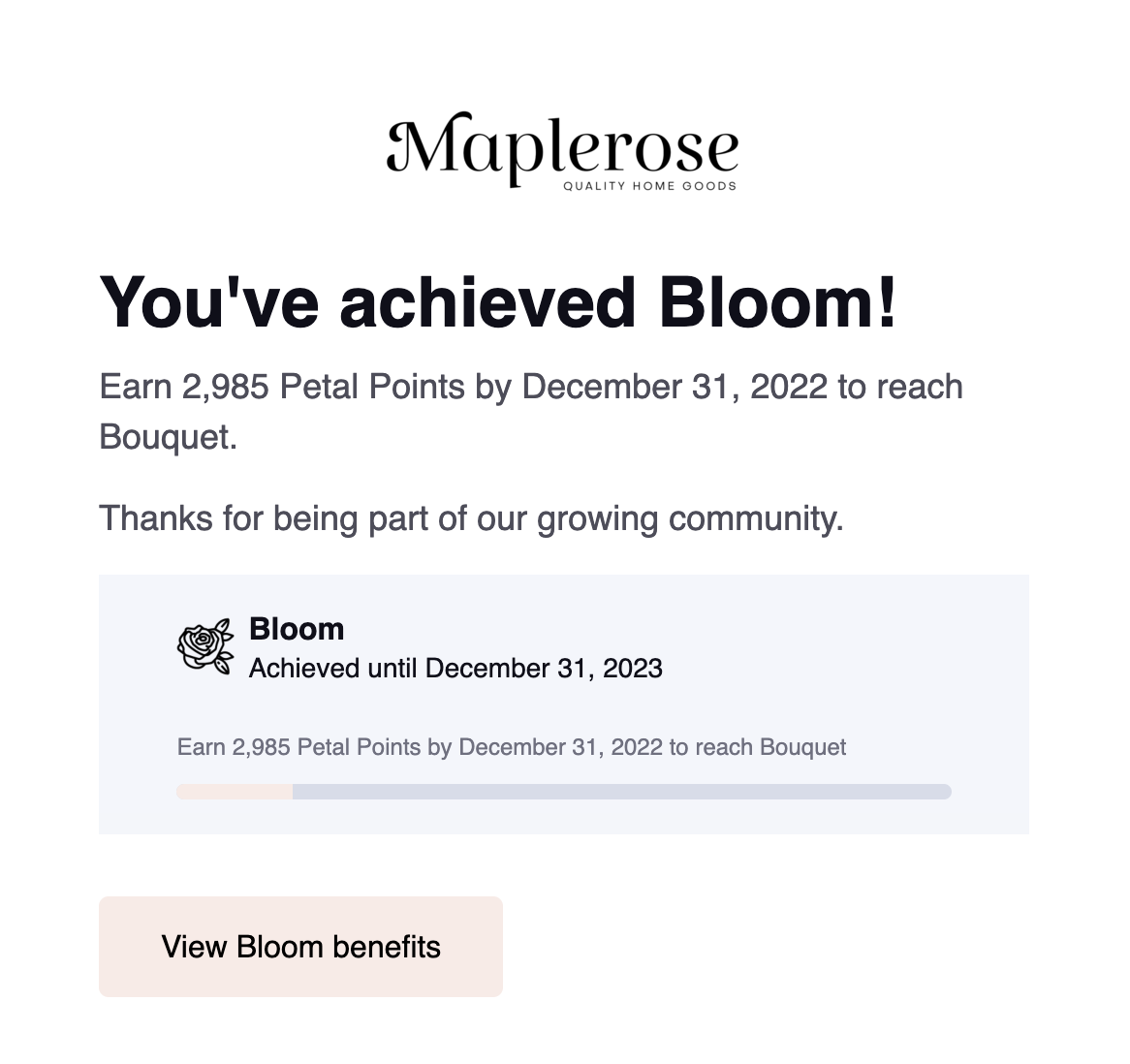
VIP tier achieved
Feature availability: VIP programs and VIP email notifications are available on Growth, Plus and Enterprise plans.
{{customer.vip_tier.name}}- (customer VIP tier name)
Note: Smile-specific text is included in the footer of these emails to comply with Canadian and U.S. anti-spam laws. This footer can’t currently be removed.