

How the referral flow works
1. The advocate shares their referral link
The advocate shares their unique referral link with a friend.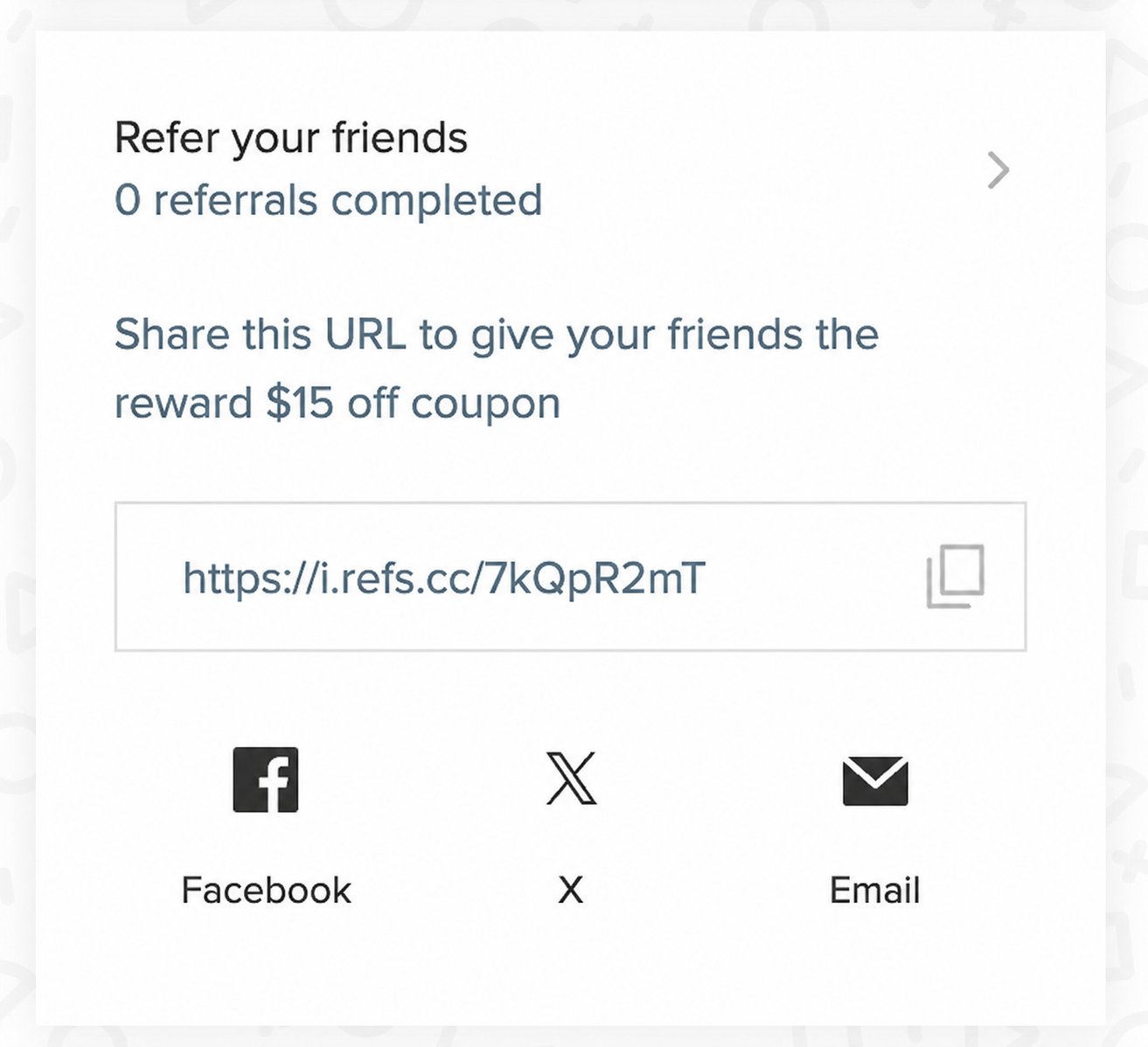
2. The friend claims their referral discount
When the friend clicks the referral link, they’ll see a prompt asking them to enter their email address.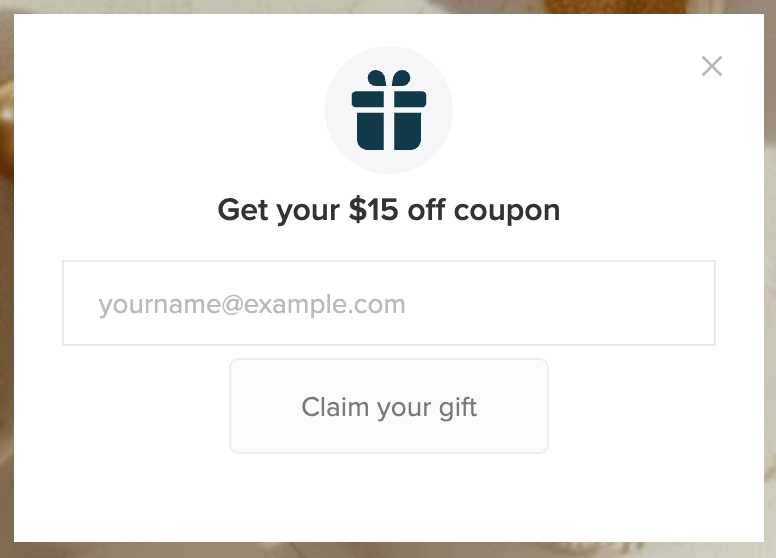
Note: The friend referral popup is separate from the loyalty panel and launcher. It appears when a friend clicks a referral link regardless of your launcher settings.
3. The advocate earns their reward
When the friend makes a purchase, the advocate receives the referring customer reward configured for the referral program. This happens when the friend’s order is marked as Paid on Shopify, or Completed or Shipped on BigCommerce. If you’ve changed these defaults in your order settings, those settings determine when the referral is completed. The friend doesn’t need to create an account or use their referral discount to complete the referral. They only need to make a purchase using the same email address they used to accept the referral. The advocate receives their reward by email. The reward is also available from their loyalty panel or Loyalty Hub if enabled.Note: If a friend’s order is refunded, see Cancel a referral to learn what happens to the referral rewards.
How advocates can share their referral link
Advocates can access and share their referral link from different areas of your loyalty program.Loyalty panel
Advocates can access their referral link from the loyalty panel, as shown in the referral flow above. By default, the panel includes sharing options for Facebook, X, and email. On paid plans, the email option lets advocates enter a friend’s email address and send them a referral invite directly from the panel. Smile sends the invite on the advocate’s behalf. For details on this email and how to customize it, see Referral shared through Smile. On mobile, advocates can select More to see additional sharing options, including WhatsApp and Facebook Messenger.Loyalty Hub
Feature availability: Loyalty Hub is available on Growth, Plus and Enterprise plans for merchants on Shopify only.
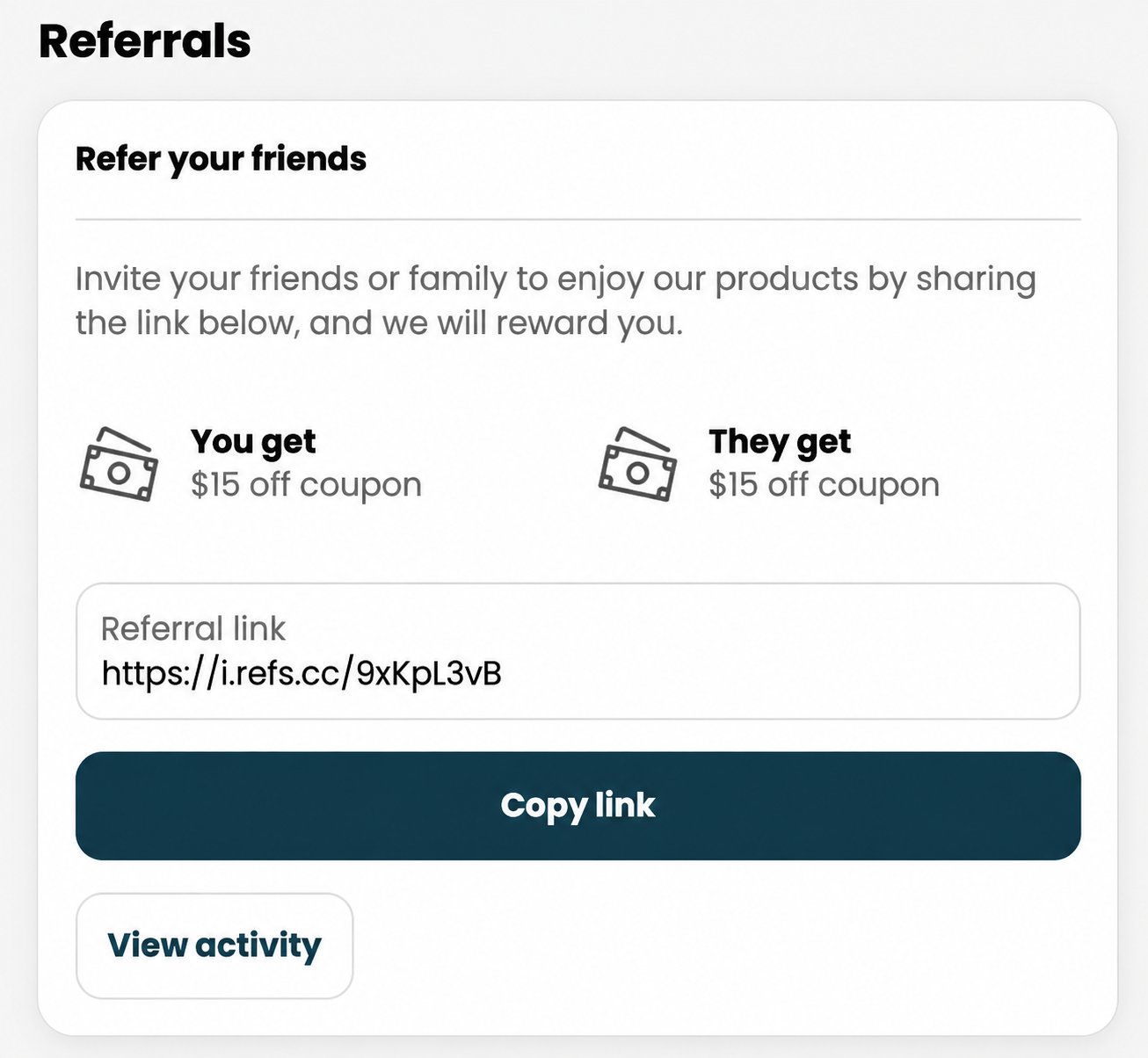
Copy and share a referral link
Advocates can also copy their referral link and share it anywhere they’d like, such as through text messages or other social platforms.Referral rules
How referral links work
An advocate can share their referral link with as many friends as they’d like. Each eligible friend who clicks the link and enters their email address receives their own one-time-use referral discount code. The referral offer is only available to friends who are completely new to your store. This means they have not created a store account or placed a previous order, including as a guest. Creating a store account creates a customer record in Smile, even if they have never placed an order, so they won’t be able to claim the referral offer.Note: Smile also has safeguards to help prevent referral abuse. Learn more about preventing referral fraud.
How referral rewards work
Advocates earn a referral reward each time an eligible friend completes a referral. If multiple friends complete referrals, the advocate can earn multiple referral rewards. Referral discount codes are single use. Once a discount code has been used on an order, it can’t be used again. Referral discount codes cannot be combined with order discounts. Combining referral discount codes with shipping or product discounts is not enabled by default, but you can enable these options in your discount settings.Note for BigCommerce merchants: Smile completes a referral based on the first order created for the referred friend.BigCommerce can create duplicate orders if the customer navigates away from billing, including when they move backward in the checkout flow or when their payment is declined. In these cases, the first order may remain Incomplete, preventing Smile from completing the referral.If this happens, manually award the advocate their referral reward.