

Important: Changes can take up to 15 minutes to appear on your site. If you don’t see your updates immediately, wait a few minutes and refresh your browser cache before checking again.
Customize the icon
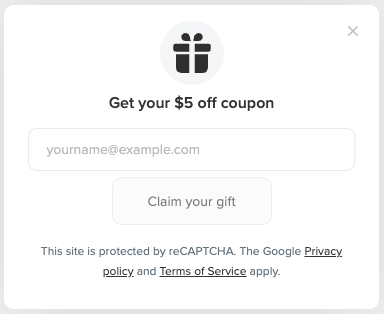
To customize the icon displayed in the referral landing popup:- In Smile Admin, go to Settings > Branding.
- In the Referral Landing Popup section, click Edit.
- Under Icon, choose one of the following options:
- Default: Select a preset icon from the available options.
- Upload your own icon: Upload a square JPEG or PNG image that is at least 108 × 108 px.
- Review the live preview to see how the icon will appear in the popup.
- Click Save.