

Feature availability: Embed points on the product page is available on Standard, Growth, Plus, and Enterprise plans for merchants on Shopify only.
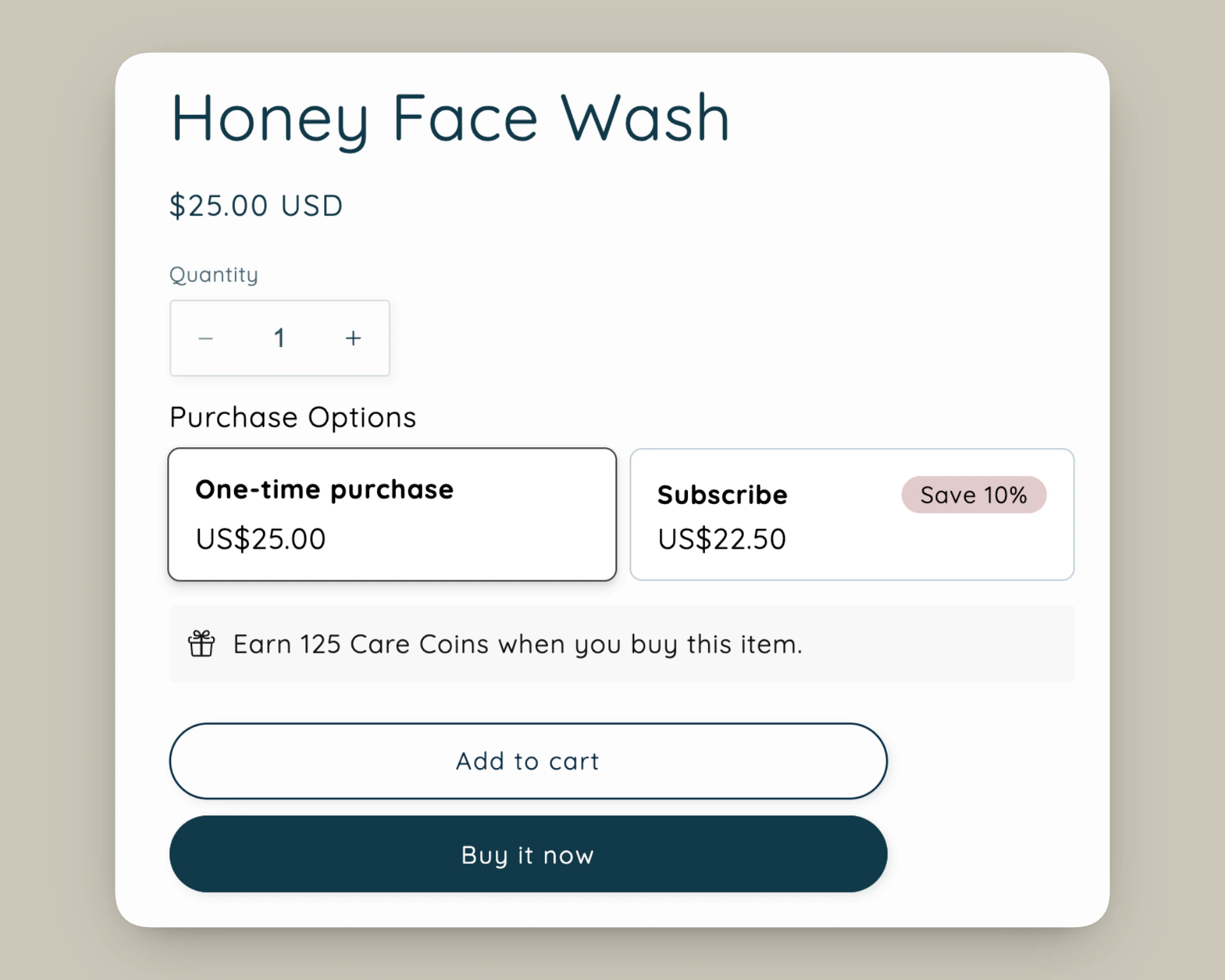
Add points to product page
- From Smile Admin, navigate to On-site content > Points on product page.
- Click Add to theme
Note: The Add to theme button adds the block to your default product template only. If your theme has multiple product templates, you’ll need to manually add the block to each additional template in the Shopify theme editor.
Customization options
- In the Shopify theme editor sidebar, click the Points on product page app block.
- Adjust settings.
- Click Save.
How it works
- The points block is shown when customers can earn points and automatically hides when:
- the loyalty program is turned off
- there are no active ways to earn points for placing an order
- the product is excluded from earning points
- the customer is excluded from the loyalty program
- the product is a native Shopify gift card
- Works with all place an order earning configurations, including fixed, incremental, and bonus points campaigns.
- If a product is on sale, points are calculated based on the discounted price the customer pays, not the original compare-at price.
- If you offer different earning rates tied to VIP tiers, the
points_amountvariable calculates points using the lowest earning rate. Use the text fields to highlight VIP tier benefits for higher-tier customers.
Note: The Points on product page app block isn’t supported in Shopify Quick View and may display as raw template code instead. To resolve this, remove the Smile app block from your Quick View template. If you need help, contact your theme developer or theme support team. You can continue using the points block in other supported areas of your theme.